
Safety & consent · 4 min read
Your photos, your location: what we strip and why
Every photo you upload loses its hidden location and camera data. Here's what that covers, what it can't, and the habits that close the gap
The Real Kink Men team · Oct 28
A photo carries more than what's in the frame. Most phones quietly write extra data into every picture: where it was taken, when, what camera took it, and sometimes the owner's name. Anyone who downloads the original file can read it with free tools in seconds.
On a site like this one, that matters. A gear shot taken in your bedroom can carry the coordinates of your bedroom. So since 10 October 2026, we remove that data from every photo you upload.
What we strip
When you upload a photo or video, we remove the location and camera details from the file before anyone else can get it. That covers:
- GPS location, the exact coordinates where the photo was taken
- Camera details, such as the make and model of the phone
- Time stamps written by the camera
- Owner details some cameras and apps add
This happens to everything: posts, stories, messages, your profile and cover. You don't need to turn anything on. The help article on photos and videos puts it simply. Nobody can read where it was taken.
How Radar handles your location
Your photos are one way a location can leak. Radar is the other place location comes up, and it's built to keep yours approximate.
Your exact location is never shared. Before it's saved, it's rounded to a small area, and everyone else measures their distance to that. Nobody on Radar, including us, can see your exact spot. Distances are rounded before they leave our server, for everyone, and there is no exact-distance option.
You also choose how you show. In Settings › Privacy & safety, under Radar:
- Show me on Radar can be switched off entirely. You can still look around.
- Where you show on the map can be Near me, Wider area, Just my city, A spot I pick, or Not on the map.
- Distance others see can be Approximate or Hidden.
A spot I pick is useful if you'd rather your pin sat somewhere other than your front door. If you travel far from it, it pauses and you show as Wider area until you're back, so a pin left at home doesn't say you're there while you're away. The details are in your location and privacy on Radar.
What stripping can't do
Removing hidden data protects you from what's invisible. It does nothing about what's visible. A surprising amount of a man's life can be read from the background of a mirror selfie.
Before you post, look at the whole frame, not just yourself:
- Windows. A view of a distinctive building, a street sign, a bus stop or a skyline can place you within a few blocks.
- Mail and paperwork. Envelopes, delivery boxes and prescription labels carry your name and address. They turn up on dressers and kitchen counters more often than you'd think.
- Your car. License plates, parking permits and work lanyards hanging off the mirror.
- Your workplace. Uniforms, badges, logos on mugs and laptops.
- Recognizable rooms. A play space other people have visited, or a bar's bathroom, can be identified by anyone who's been there.
If you're unsure, crop. The post editor has Crop, and its Privacy tools hide anything with Blur, Pixelate or Bar. What you hide is baked into the photo, so the original can't be recovered from what you posted.
Faces, tattoos and other men
Faces are the obvious one. The Privacy tools find faces on your device so you can blur them in a tap.
Tattoos, birthmarks and distinctive piercings are less obvious and just as identifying. If you keep your face out of photos for a reason, consider whether a well-known tattoo gives the same answer.
Photos with other men in them need their say too. Ask before you post anyone else, and blur anyone who hasn't agreed. That applies double to anything from a party or a play space.
Screenshots and what you send
Stripping data protects files you upload. It can't stop someone taking a screenshot of what you've shared, and no app can.
In messages, you can tap View once before sending a photo, video or voice message, so he can open it only once. You can also turn on Disappearing messages in Chat options. Both help. Neither stops a screenshot. The rule experienced men use is simple: only send what you could live with being kept. More on this is in view once and disappearing messages.
If someone threatens to share your photos, that's against the rules, and may be a crime. Report it.
A quick routine
Before you post or send a photo:
- Scan the background: windows, mail, car, uniform.
- Crop or blur anything that places you.
- Think about tattoos and anyone else in the shot.
- Check your Radar settings match how visible you want to be today.
For the rest of your privacy settings, the safety checkup walks through them in about two minutes, and meeting a man from the site covers the step after the photos.
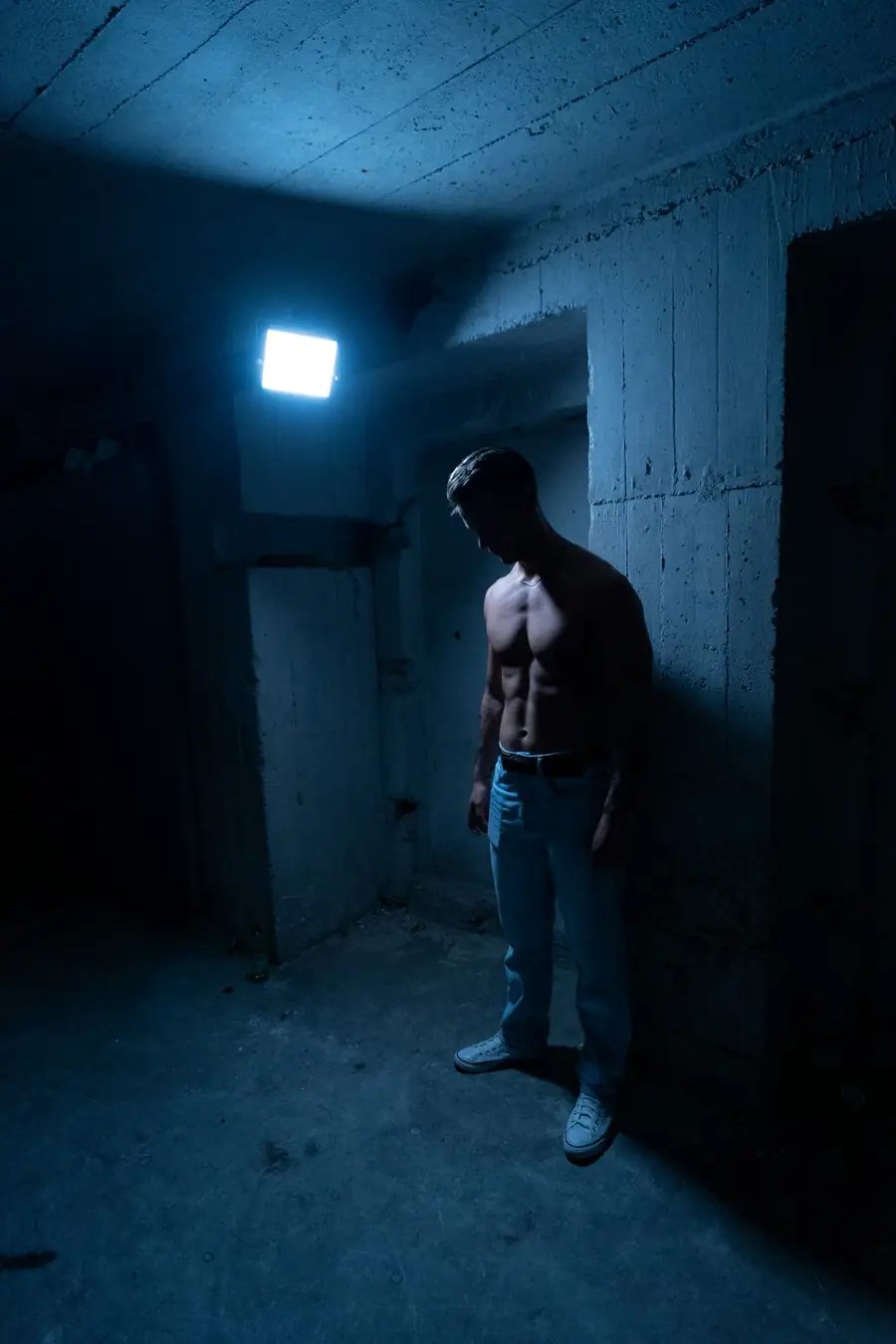
Cover: Andras Vas / Unsplash
Real Kink Men is where these men meet.
Profiles, circles, events and On Air. Free to join, 18+.
Join free →More to read
Safety & consent · 4 min read
Meeting a man from the site: the safety checkup, step by step
Two minutes in Settings, then the habits experienced guys keep for a first meet. Your location, who can reach you, and how to leave
The Real Kink Men team · Oct 14
Safety & consent · 4 min read
Negotiating a scene: a checklist you will actually use
Limits, safe words, health, substances and who's driving home. The short talk that makes the next few hours better
The Real Kink Men team · Oct 2